

I recently was asked to write a ‘CRO for beginners’ -type article and while I enjoyed doing so, I couldn’t shake the nagging feeling that something was missing. One of the main tools I’d rely on to gain an understanding of a website – and its users – would be good ol’ Google Analytics. While there wasn’t scope to cover it in the afore mentioned CRO article, I thought it’d be cool to do so here.
Super Simple Standard Reports
After you login to your profile, you’ll want to take some time to understand the top level data that’s available. Those tabs down the left-hand-side are your first port of call.
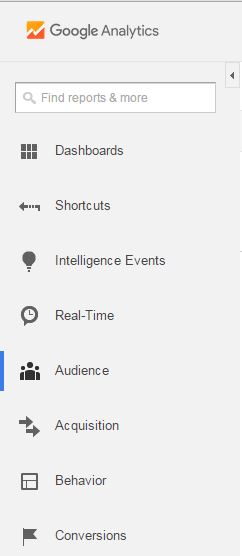
The Overview offers exactly that. It defaults to ‘sessions’ and gives an idea of the number of visits to your site over a given time period, as well as some engagement metrics such as the average duration of a session and the average bounce rate. Active Users and Cohort Analysis are the new kids on the block and offer insight into engagement and behaviour for active users and groups (or cohorts) respectively. Demographics, Interests, Geo and Behaviour categorises your audience into age, gender, their interests, their location and whether or not they’ve been to your site before.
I like the Technology and Mobile tabs as it helps me understand how a website is being used from a technical perspective. Dip into Browser & IOS under Technology and find out which browsers people are using to visit your website. If visitors using a particular browser show low engagement, it could be that there’s an aspect of your website that doesn’t work in Internet Explorer that particular browser.

Mobile search is growing and so understanding which devices your visitors use means you can adapt design now and in the future to allow for varying screen sizes.
Custom, Benchmarking and Users Flow are probably a littl